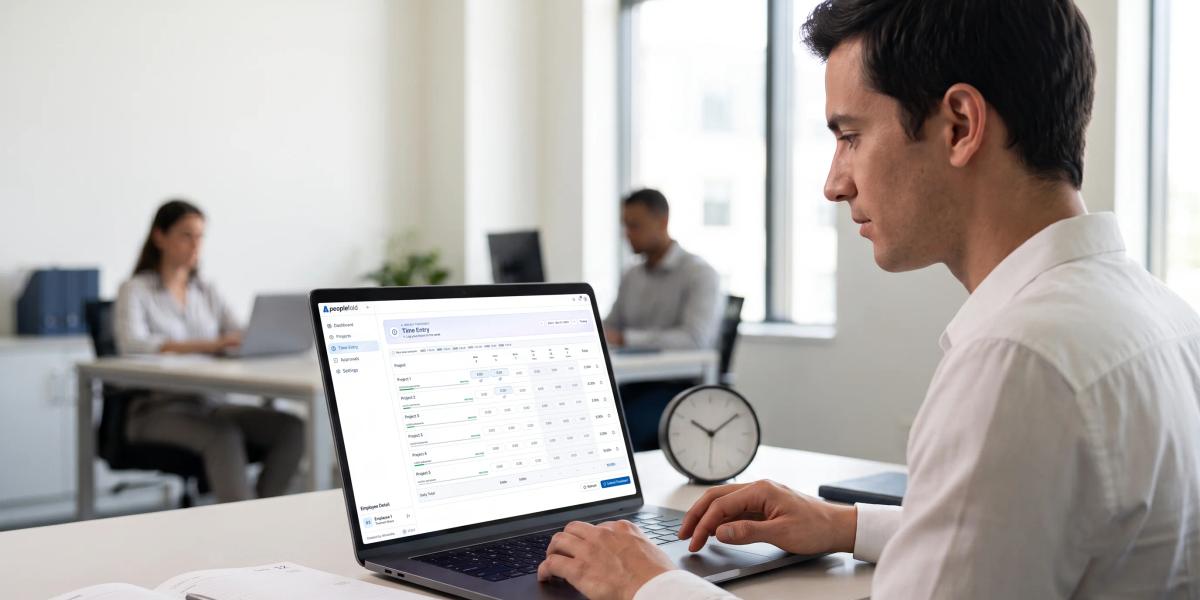
Companies track employee time to bill clients accurately, estimate project costs, plan workloads, and keep payroll or compliance records. In most workplaces, the goal is project and budget data, not watching you personally.
Beyond billing and payroll, companies also track time to:
- Spot scope creep: Hours show when client work is growing beyond what was agreed.
- Prevent burnout: Consistently long hours flag overloaded team members before it becomes a problem.
- Measure profitability: Time per client or service shows which work actually makes money.
- Support fair overtime and leave records: Accurate logs protect both you and the company in pay or leave disputes.
- Plan to hire: Capacity data shows when a team genuinely needs more people, not just a longer to-do list.
If you’ve just been told your company is rolling out time tracking, your first reaction was probably suspicion. Maybe even a little indignation. Do they not trust me? Are they watching how long my lunch breaks are?
That reaction is completely normal and honestly, it’s justified. Plenty of companies have used time tracking badly. But the tool itself isn’t the problem. The intent behind it is.
This guide explains why companies track employee timelines, what is generally considered fair, and how can you protect your privacy while staying compliant with workplace policies.
The Real Reasons Companies Track Employee Time
Most employers have practical, unglamorous reasons:
Client billing accuracy:
If your company bills clients by the hour, someone has to know how many hours were actually worked. Without tracking, invoices get estimated, disputed, or written off. That costs the business real money; money that funds salaries.
Project budget visibility:
Most projects have allocated hours. Without tracking, nobody knows a project is burning through its budget until it’s already blown. Burn rate dashboards like the ones built into Peoplefold surface that risk while there’s still time to act.
Defending against scope creep:
When a client keeps adding “small” requests, tracking shows exactly how much extra work accumulated. That's how companies justify change orders instead of absorbing the cost silently.
Better future estimates:
Historical time data makes future project quotes more accurate. Guesswork leads to under-pricing which leads to overworked teams.
Compliance and audit trails:
Some industries and contracts require documented proof of hours worked. This isn’t about you; it’s about legal and contractual obligations.
Modern time tracking tools usually tie hours to projects and tasks, not to your every move. If your manager can’t explain which of these reasons applies to you, ask. A good answer should be easy to give.
Is Time Tracking Legal? What Employees can and can’t Do?

Time tracking is generally legal when it follows employment laws, company policies, and privacy regulations. Employers may track working hours, project time, attendance, and billable work; especially where payroll, client billing, or compliance requires it.
However, legality depends on what is collected and how it is used. Employers should avoid collecting excessive personal information, monitoring private communications, or using time data in a discriminatory or retaliatory way.
As an employee, you generally can:
- Ask why timeline tracking is being used.
- Request a written policy or explanation.
- Ask what data is collected and who can view it.
- Correct genuine errors in your timesheet.
- Raise concerns about excessive monitoring or privacy risks.
You generally should not:
- Falsify work hours or project entries.
- Share another employee’s tracking data.
- Refuse to follow a legitimate workplace policy without discussing it.
- Assume every tracking request is illegal without reviewing the policy.
How to Tell if Your Company’s Time Tracking is Fair?
Fair time tracking is transparent, limited, and consistent. It should collect only the information needed for a clear business purpose and apply the same expectations to everyone.
Green flags:
- A written policy explaining what is tracked and why.
- You can see and edit your own timesheets.
- The same rules apply to every team.
- Mistakes can be fixed without punishment.
- Clear timesheet approvals with written reasons if an entry is rejected.
Red flags:
- Vague wording like “monitoring work activity”.
- Data collected that has nothing to do with billing or planning.
- Hours used as the only measure of performance.
- No way to correct hours.
- Rules that change without notice.
Two or three red flags aren’t proof of bad intent, but they are worth raising politely. If you're a manager reading this, our guide shows how to handle employee time tracking without creating distrust.
Is Timeline Tracking Productivity or Surveillance
The difference comes down to what is measured and what happens next.
Productivity focused tracking records time against projects and tasks. The results feed into planning, such as adjusting deadlines, spotting bottleneck, or using capacity planning to balance workloads.
Surveillance style tracking watches behaviour: screenshots, keystrokes, idle time, or browsing history. It tells your employer very little about the quality of your work, and many employees find it damaging to trust and morale. Logged hours also cannot capture creativity, problem-solving, or complexity. Ten focused hours can be worth more than fifty distracted ones.
A simple test: does the data help the team plan better, or does it only help someone judge individuals? Healthy systems do the first. Teams that use time data to spot patterns in projects, rather than rank people, tend to earn more trust.
Protect your Privacy While Being Tracked
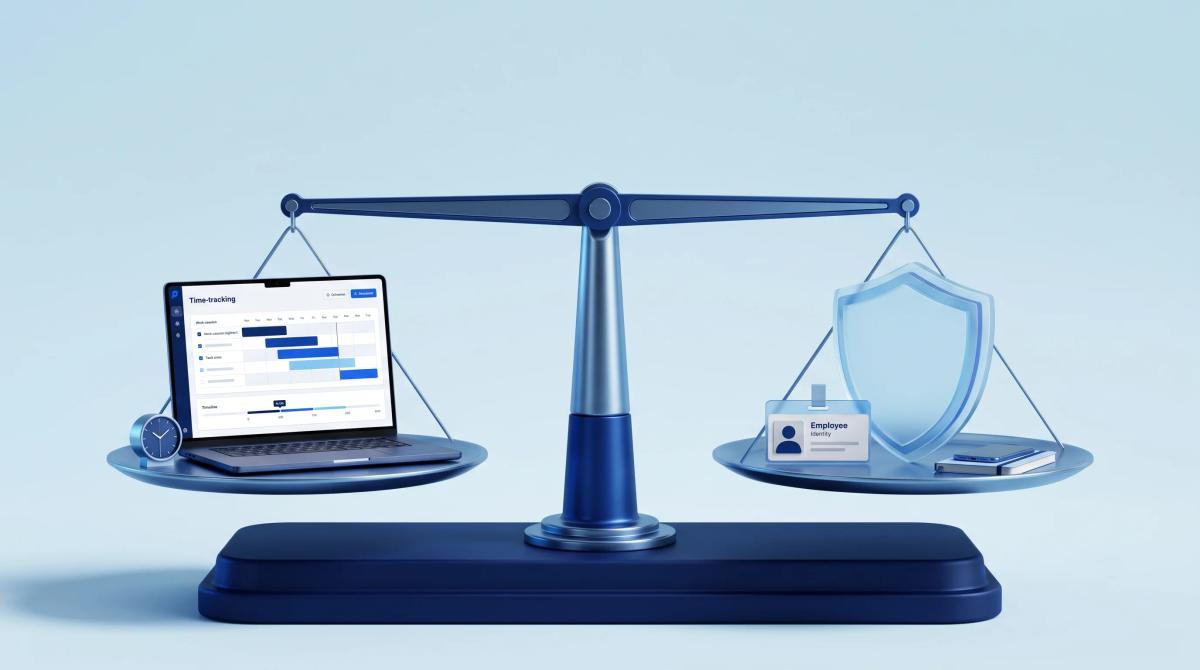
You can protect your privacy by understanding the system and using it carefully. Start by reading the tracking policy. Look for details about data collection, access permissions, retention periods, and correction procedures. If something is unclear, ask your manager or HR in writing.
Keep your work-related entries accurate and relevant. Log the correct project, task, and duration, and avoid including unnecessary personal details in notes or descriptions. If you need to record time for internal meetings, training or administrative work, use the categories your company provides.
You can also ask whether:
- Your timeline is visible to all managers or only your direct manager.
- Data is used for performance reviews.
- Screenshots, keystrokes, or private activity are collected.
- You can review or correct your records.
- Data is retained after you leave the company.
Peoplefold's privacy policy notes that approval and submission audit logs may be retained for up to seven years to support legal and compliance requirements. Knowing retention rules helps employees understand how long their data may remain available.
Conclusion
Your company probably isn’t tracking your time because they think you’re slacking. They're usually trying to fix billing accuracy, project budgets, and estimation problems that cost real money and create real friction with clients.
That said, you’re allowed to ask questions, understand your rights, and expect transparency. Fair time tracking looks at work and projects; not at people. And if what you’re experiencing feels more like surveillance than support, that’s a legitimate conversation to have.
Want to see what fair, transparent time tracking actually looks like in practice? Explore Peoplefold and track smarter, bill confidently, and grow faster.
FAQs
Why does my company track my timeline?
Companies track timelines to plan projects, manage workloads, calculate billable hours, support payroll, and improve workflow efficiency.
2. Is employee timeline tracking legal?
It is generally legal when it complies with employment and privacy laws, follows a clear company policy, and collects only work-related data needed for a legitimate purpose.
3. Can I refuse to use time tracking at work?
If tracking is part of your job requirements, refusing may breach company policy. You can raise concerns, ask what data is collected, and request a written policy. Check your contract and local rules.
4. How can I tell if time tracking is fair?
Fair tracking is transparent, limited to work data, consistently applied, correctable, and used to improve planning rather than punish employees.
5. Is time tracking the same as employee surveillance?
No. Time tracking records hours spent on projects or tasks. Surveillance monitors behaviours such as screens, keystrokes, or private activity. A fair system collects only what it needs and tells you what that is.